Track the business
Review reports
See revenue, outstanding balances, expenses, and business trends.
3 min
How it works
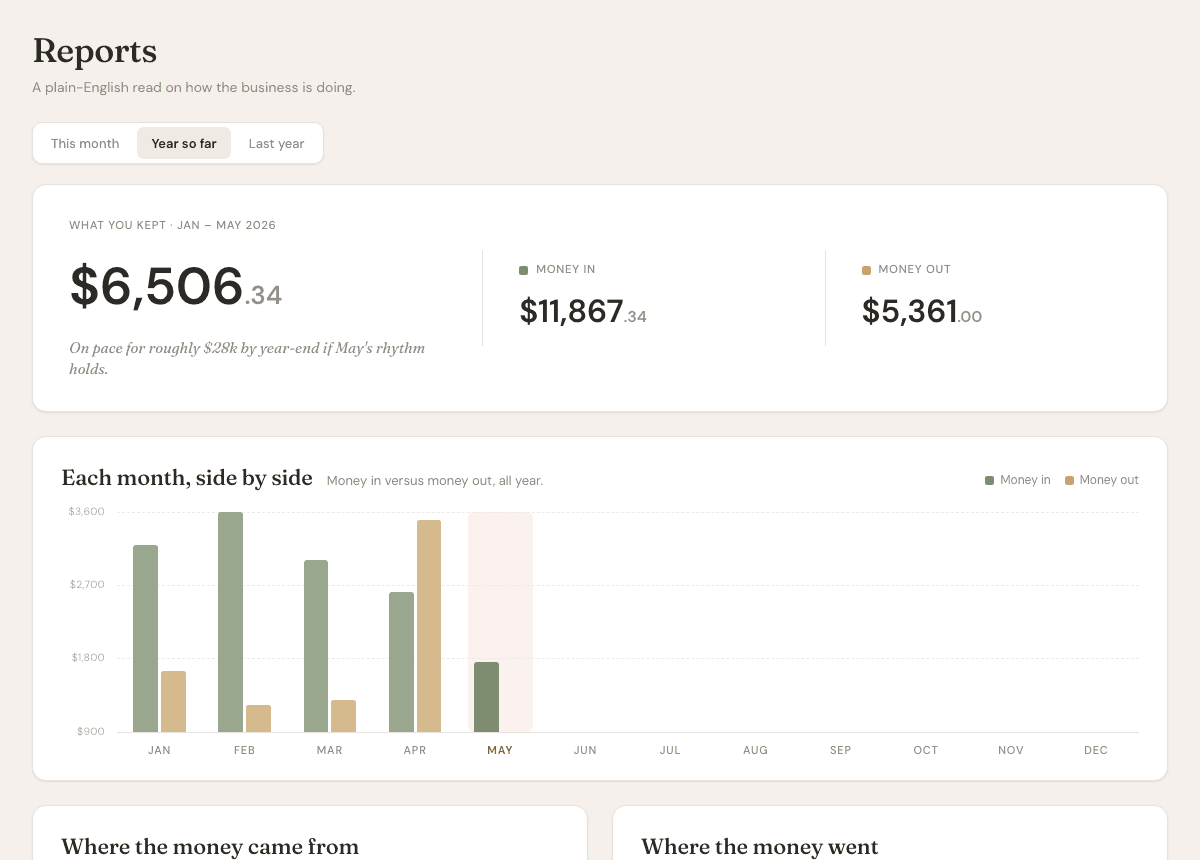
Reports summarize the business records already inside AurenWell. They are meant to help you see what is billed, paid, overdue, and spent.
Steps
- 1
Open Reports from the sidebar.
- 2
Review revenue totals and outstanding balances.
- 3
Check expenses by category to understand where money is going.
- 4
Use reports alongside invoice and expense lists when preparing business records.
- 5
Export account data from settings if you need raw records outside AurenWell.
Good to know
- Reports depend on clean invoice, payment, and expense records.
- AurenWell is not a tax advisor or accounting firm.
- Use exports when your accountant needs raw CSV records.