Manage your account
Export data and manage your account
Know how to get your records out and where account actions live.
3 min
How it works
Your business records are yours. AurenWell keeps exports and account management in settings so you can leave with your records if you ever need to.
Steps
- 1
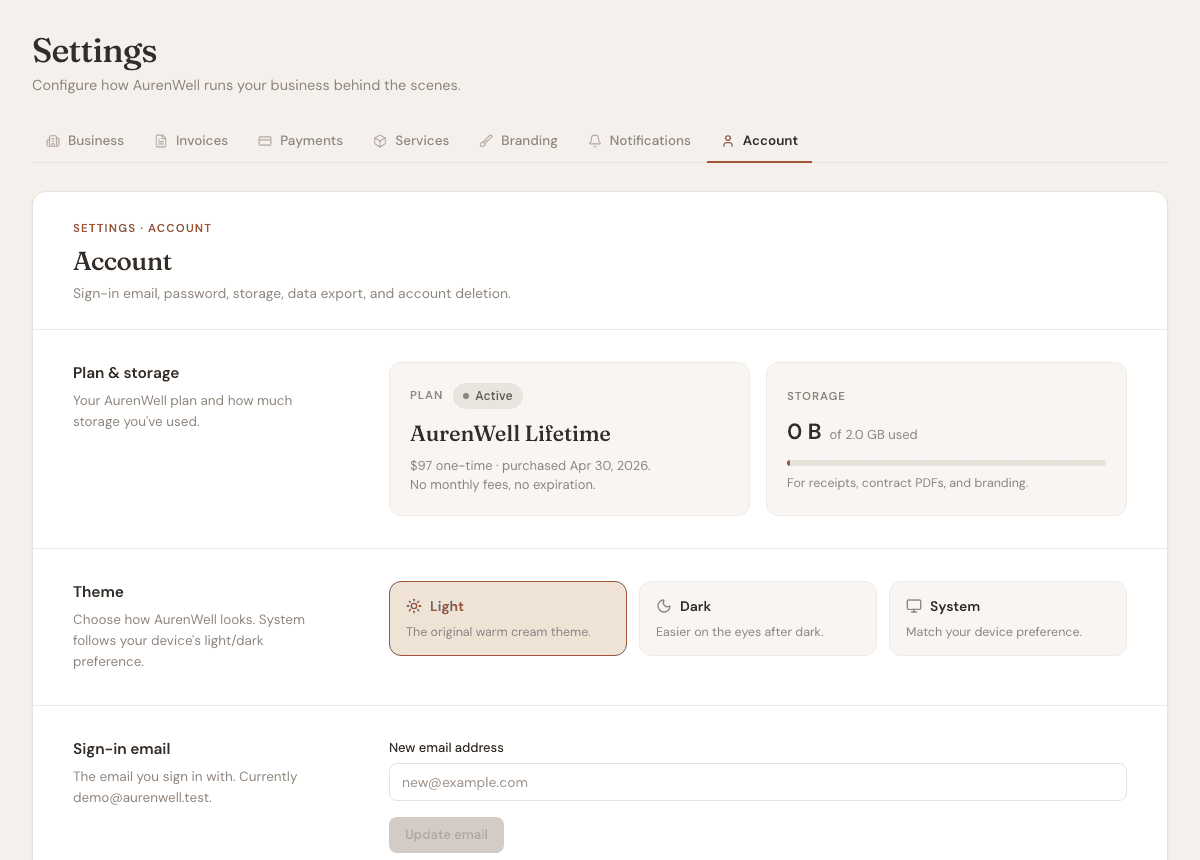
Open Settings, then Account.
- 2
Use export options when you need CSV or archive records outside AurenWell.
- 3
Review account email and profile information for accuracy.
- 4
Contact support if you need help with refunds or account access.
- 5
Use account deletion only after exporting anything you need to keep.
Good to know
- Exports are useful for accountant handoff and backup records.
- Some financial records may be retained where required for legal, tax, or fraud-prevention reasons.
- For refund questions, email support@aurenwell.com within the stated refund window.