Get paid
Follow up on unpaid invoices
Use overdue filters and reminders to keep cash moving.
3 min
How it works
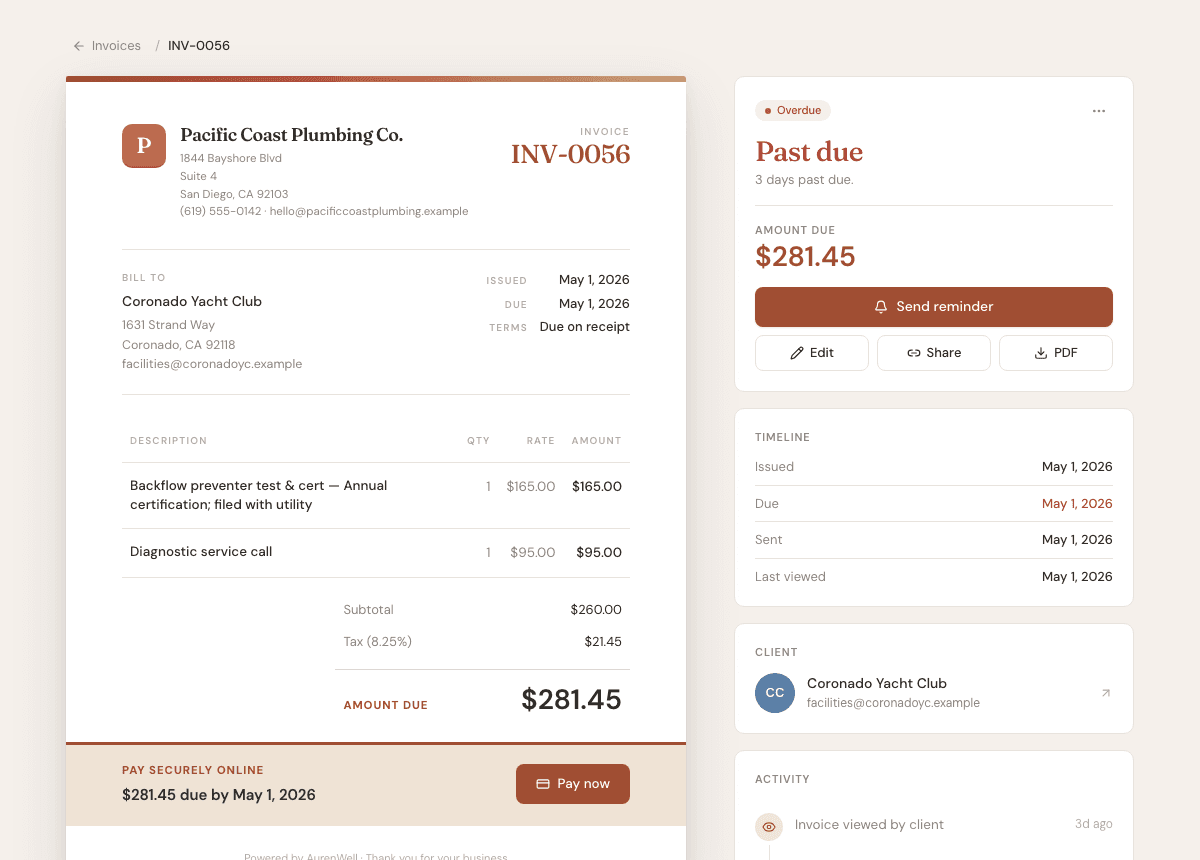
The dashboard and invoice list both surface invoices that need attention. You can follow up one invoice at a time or work through the overdue queue.
Steps
- 1
Open Dashboard to see the current overdue total and work queue.
- 2
Choose View all or open Invoices and filter by Overdue.
- 3
Open the invoice you want to follow up on.
- 4
Use Send reminder to email the client another copy of the invoice.
- 5
Record a manual payment when the client pays outside Stripe.
Good to know
- Reminder actions are only useful after an invoice has been sent.
- The work queue groups overdue invoices, open estimates, unsigned contracts, and tasks.
- The invoice activity timeline records sent, viewed, paid, and reminder events.