Win and protect work
Send estimates and convert approved work
Quote a job, get approval, and turn it into an invoice.
4 min
How it works
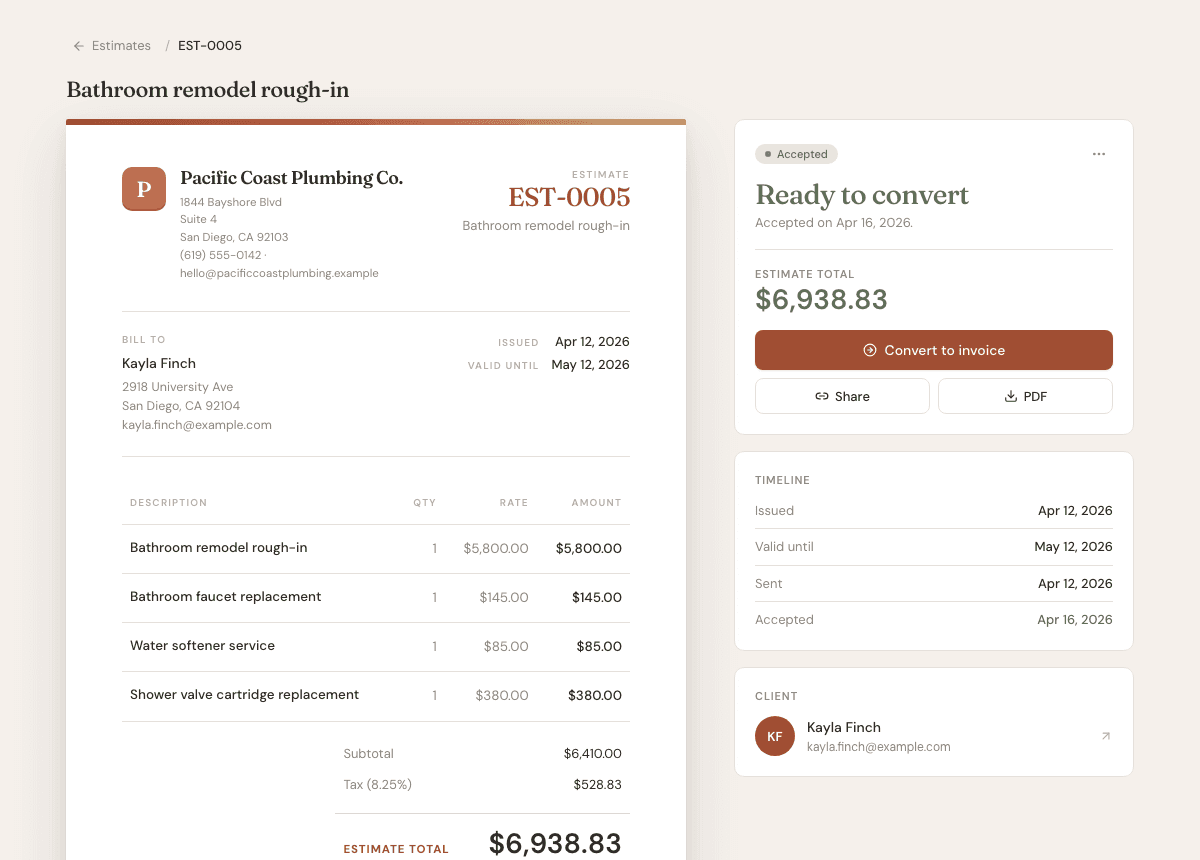
Estimates help you win work before billing for it. Once a client accepts, you can convert the estimate to an invoice without retyping the job.
Steps
- 1
Open Estimates, then choose New estimate.
- 2
Choose a client and add the work you are quoting.
- 3
Set an expiration date if the quote should only be valid for a certain window.
- 4
Send the estimate to the client or share the approval link.
- 5
When the client accepts, open the estimate and choose Convert to invoice.
Good to know
- Converted estimates stay linked to the invoice they created.
- Expired is calculated from the expiration date.
- Declined estimates can be edited and resent if the scope changes.