Start here
Add and manage clients
Keep client contact details and billing history in one place.
3 min
How it works
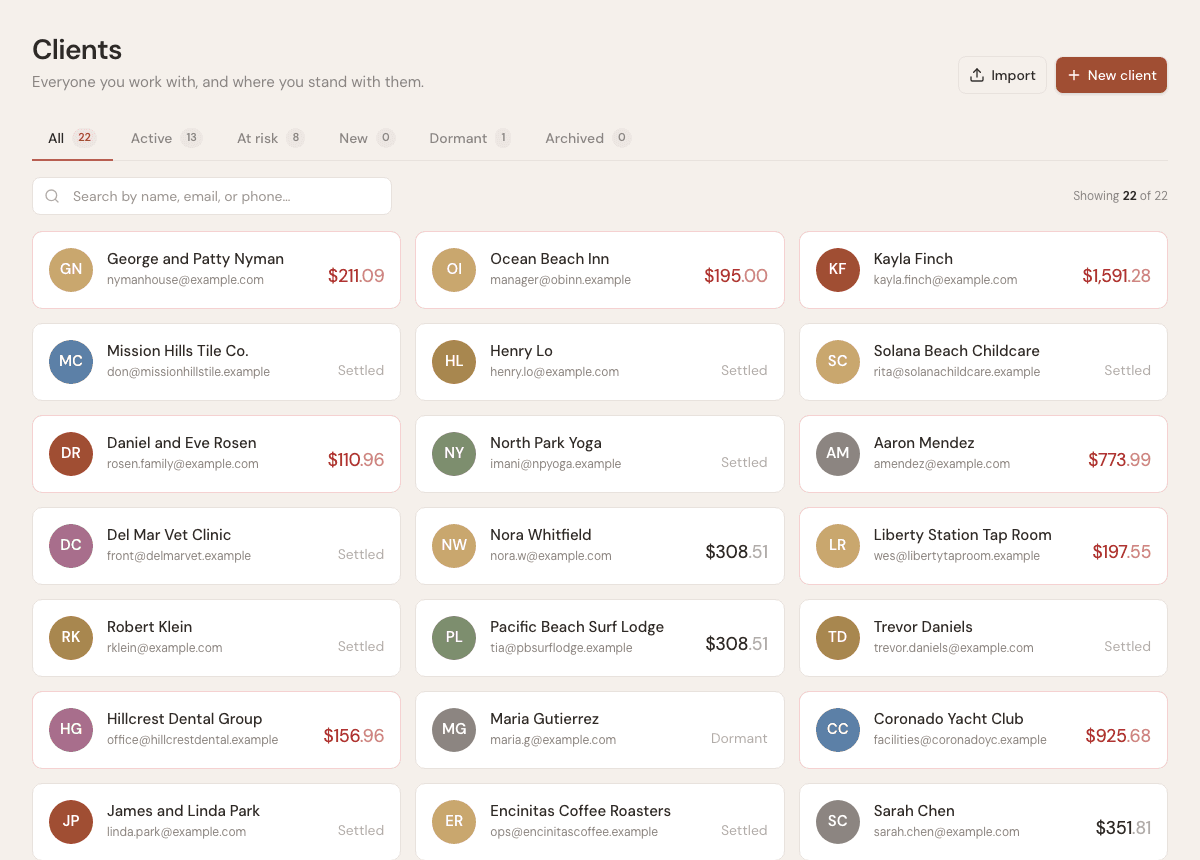
Clients are the address book for your business. Each client can be used on invoices, estimates, contracts, time entries, expenses, and reports.
Steps
- 1
Open Clients from the sidebar.
- 2
Use New client to add a person or business.
- 3
Enter the client name, email, phone, and billing address you want shown on documents.
- 4
Open a client record to review related invoices, estimates, contracts, expenses, and activity.
- 5
Use search when the list grows and you need to find a client quickly.
Good to know
- Client email addresses are used when sending invoices, estimates, and contracts.
- You can add a new client inline while creating an invoice or estimate.
- Use company clients for restaurants, offices, property managers, and other business accounts.