Win and protect work
Create contracts and collect signatures
Send service agreements clients can sign from their phone.
4 min
How it works
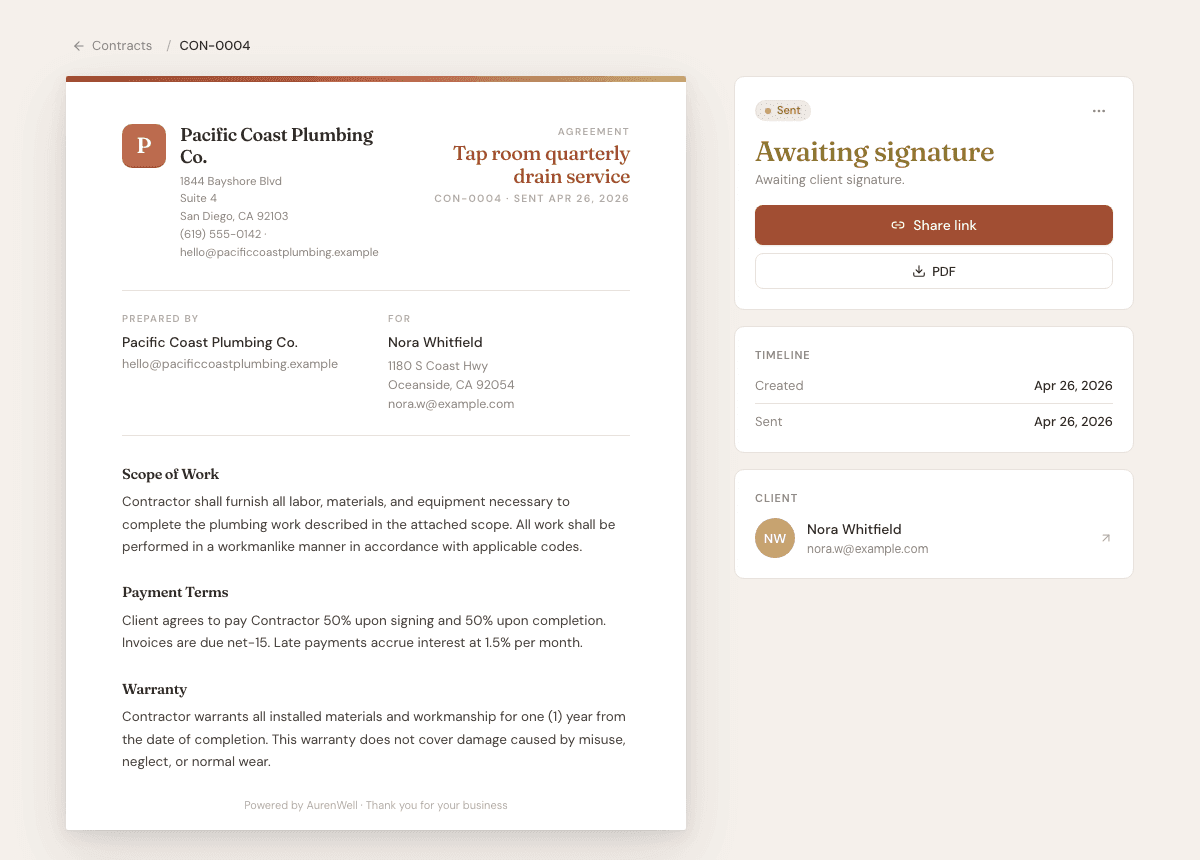
Contracts are for service agreements, project terms, and signature capture. A signed contract can be downloaded as a PDF.
Steps
- 1
Open Contracts, then choose New contract.
- 2
Choose a client and write or edit the agreement sections.
- 3
Preview the contract before sending it.
- 4
Send or share the contract link with the client.
- 5
After the client signs, download the signed PDF or review the signed status in AurenWell.
Good to know
- Use contracts for terms that need a signature, not for simple price quotes.
- Clients sign from the public contract link.
- A signed contract is stored separately from draft agreement text.