
You can get a plumbing quote out the door fast and still lose the job if the paperwork feels loose. The customer nods on the porch, the wall gets opened, the scope grows, and suddenly you're arguing over what was approved, when payment started, and whether that extra valve was part of the deal.
A solid plumbing contract template fixes that before the first wrench turns. It should travel with the estimate, the deposit request, the change order, and the final invoice as one mobile workflow, not sit in a folder as a PDF nobody can find when the bill is challenged.
Why a Plumbing Contract Template Matters Before the First Wrench Turns
The jobs that go bad usually start out sounding simple. A homeowner points at a leak, a tenant wants a quick replacement, or a general contractor says the scope is “just standard.” Then the wall opens, the pipe layout tells a different story, and you're left deciding whether to keep moving or stop and renegotiate in the driveway.
That's where the contract earns its keep. A good plumbing contract template gives you something better than memory and goodwill, because it fixes the scope, payment trigger, and approval trail before anyone starts assuming. It also gives you a clean answer when the customer says the final invoice doesn't match what they thought they heard.
Practical rule: if the agreement can't survive a surprise behind the wall, it isn't a working contract, it's a hope.
The smartest version is tied to the same workflow as your estimate and invoice, so the customer sees one sequence instead of scattered documents. A service business can move from quote to signed approval to deposit on the same phone screen, which is why tools built around AurenWell's plumbing services workflow matter more than a downloadable form that never leaves downloads. That doesn't make the paperwork fancy. It makes it usable.
The point isn't legal theater. It's stopping the three fights that chew up solo operators, late payment, scope drift, and the surprise jurisdiction issue when you cross a city or state line.
The Eight Clauses Every Plumbing Contract Template Must Include
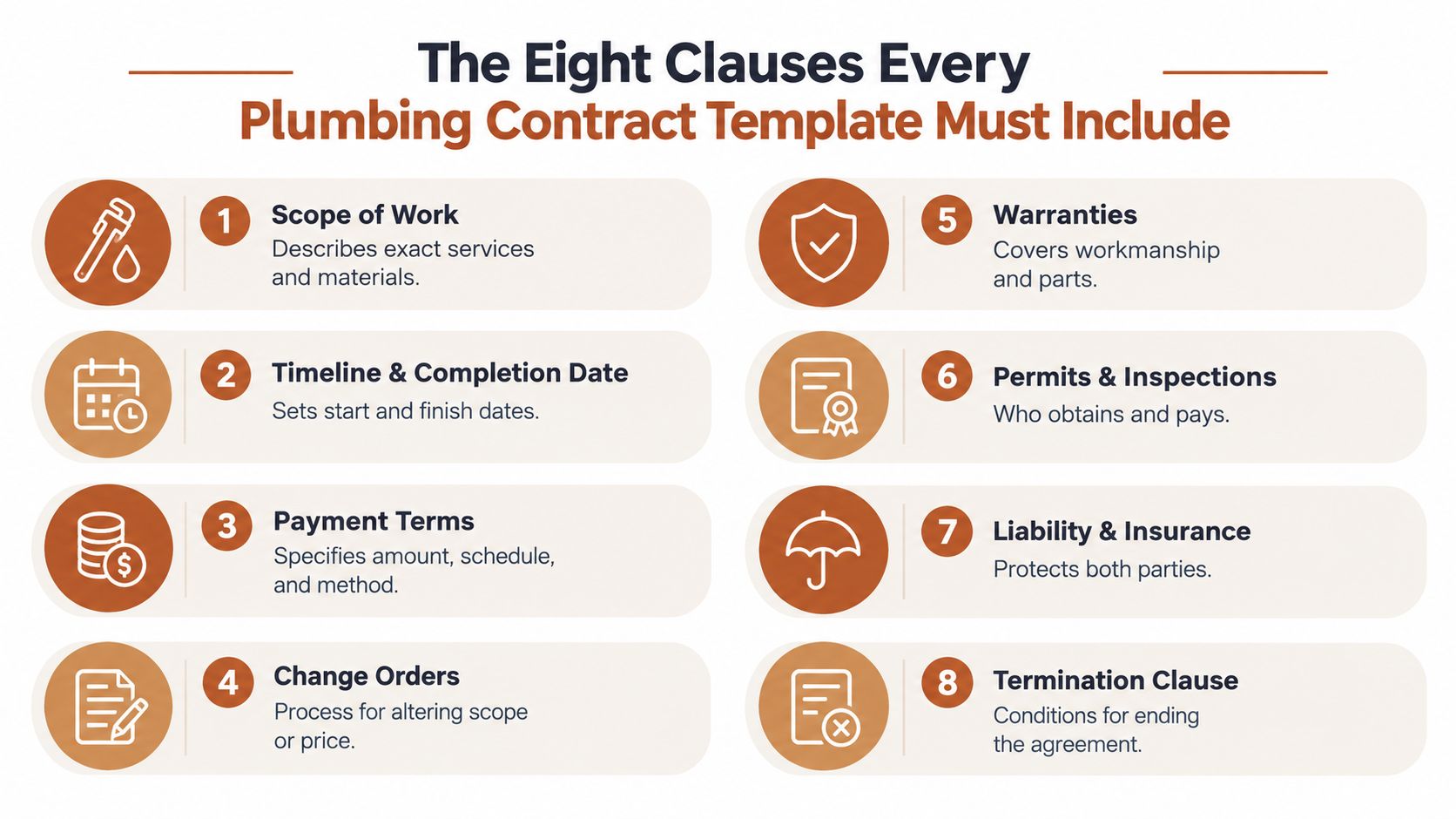
A working form doesn't need legal padding. It needs the fields that let you run the job without guessing. The fastest way to test your current paperwork is to line it up against the clauses below and see which ones are vague, missing, or buried so deep nobody will read them in the truck.
1. Parties and job details
Name the customer, your business, license details, property address, and any emergency-access rules. If you ever had a homeowner deny entry or claim the wrong unit was billed, you already know why this matters.
2. Scope by location and fixture
List the room, fixture, pipe segment, repair method, included materials, brands or models, and exclusions. “Fix bathroom leak” is too soft. “Replace leaking shutoff under hall bath sink with customer-approved valve” gives you something enforceable.
3. Pricing model
Pick one model and stick to it, fixed price, service-call fee plus hourly labor, or time-and-materials. Mixing models without saying so is how customers decide your invoice is arbitrary.
4. Deposit and payment timing
State the deposit, milestone payment, and final balance triggers in plain language. The trigger should be obvious enough that a customer can point to it later and say, yes, that's the moment the clock started.
5. Permits, inspections, and access
Assign who gets permits, who schedules inspections, who provides shutoff access, and who handles customer-supplied fixtures. If there's a slab, attic, crawl space, or locked utility room involved, spell out access before arrival.
6. Change-order process
A proper change order should name the revised work, price adjustment, schedule impact, and approval method before extra work begins. If you don't make the approval step explicit, every surprise becomes an argument.
7. Warranty split
Separate workmanship warranty from manufacturer coverage. Customers mix those up all the time, and the contract should not encourage that confusion.
8. Suspension and termination
If payment stops or access disappears, you need a clean right to pause work. You don't want to argue this in person while standing in a hallway with a flooded floor and a silent phone.
If you want a second model for how a service agreement is framed in another trade, find a cleaning contract for rentals and compare how the scope and approval sections are structured. The wording will differ, but the discipline is the same, specific scope, written changes, and clear payment timing.
From Estimate to Signed Contract in One Mobile Flow
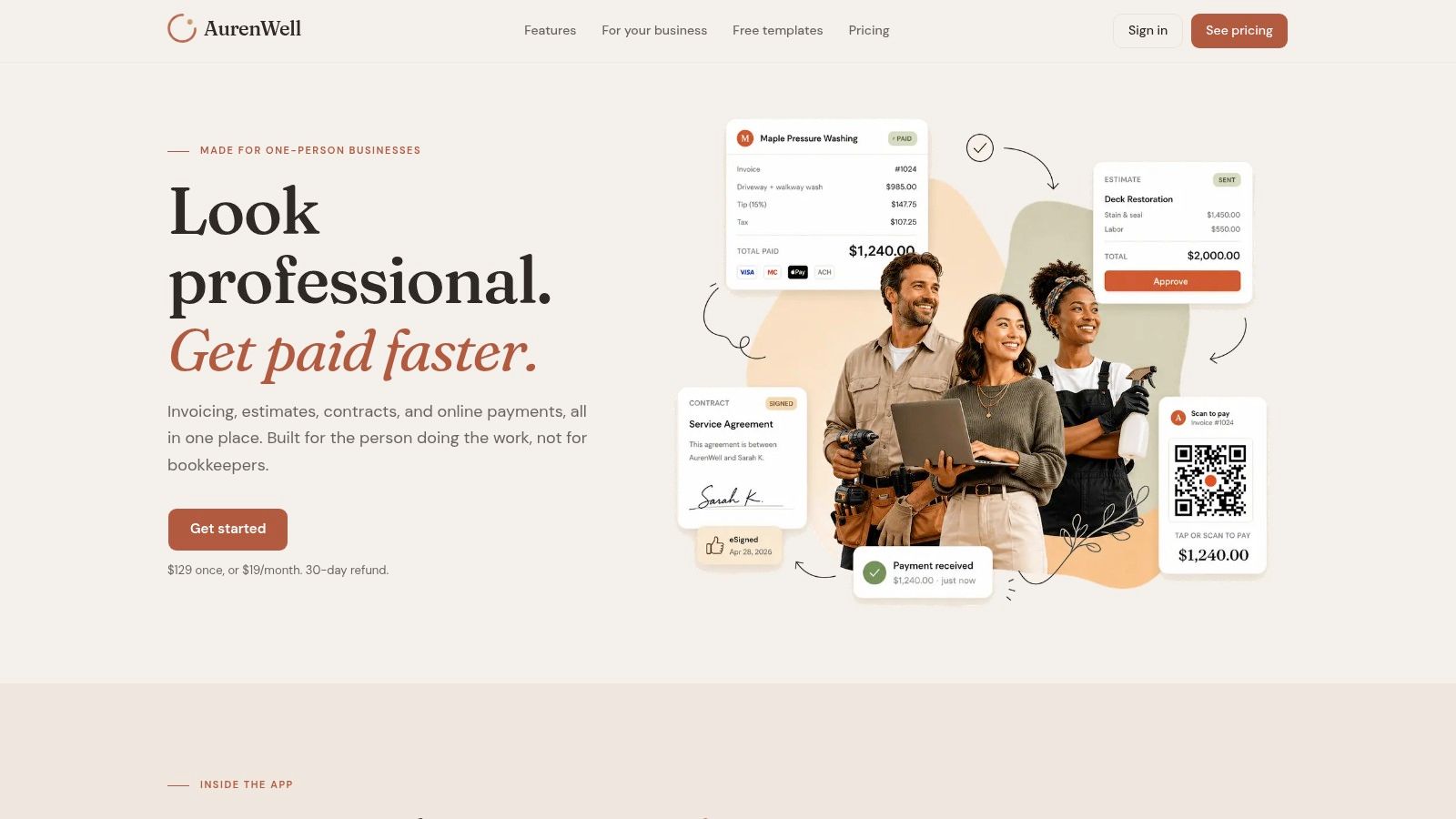
The form works best when it never feels like a form. I've watched the smoothest jobs happen when the estimate becomes the contract, the client signs on the phone, the deposit request goes out immediately, and the activity trail records every step without anyone having to remember which email got opened.
That's the operational win. A clean workflow turns the approval into evidence, not just politeness. If the customer saw the scope, signed it, paid the deposit, and got a timestamped receipt, there's less room for “I never approved that.”
A setup like AurenWell's contracts feature can handle that sequence by keeping the estimate, contract, signature, and payment request in one place. For a solo plumber, that matters more than having a prettier PDF because the file doesn't disappear into a thread of forwarded emails. If you want a generic drafting aid, LegesGPT's AI contract generator can help produce a starting draft, but you still need to tailor the job details and approval fields yourself.
A mobile flow that actually gets used
- Send the estimate first. Keep the scope tight and readable, then convert it instead of rebuilding it from scratch.
- Ask for approval in the browser. A customer is more likely to sign what they can open on a phone than what they have to print.
- Collect the deposit right after signature. Don't separate consent from payment unless you enjoy chasing both.
- Store the signature with the client record. If the phone call happens six weeks later, you want one record, not five fragments.
- Attach the invoice to the same file trail. That way the job history tells one story from first quote to final balance.
The best contract is the one the customer signs on the spot while the scope is still fresh.
Handling Change Orders, Customer-Supplied Fixtures, and Concealed Conditions
A short contract with a strict change-order process usually beats a long contract nobody reads. The reason is simple, most disputes don't come from the work you planned, they come from the work you discovered after opening the wall. Once the job shifts, the paper has to shift with it, or the invoice starts carrying arguments you could've prevented.
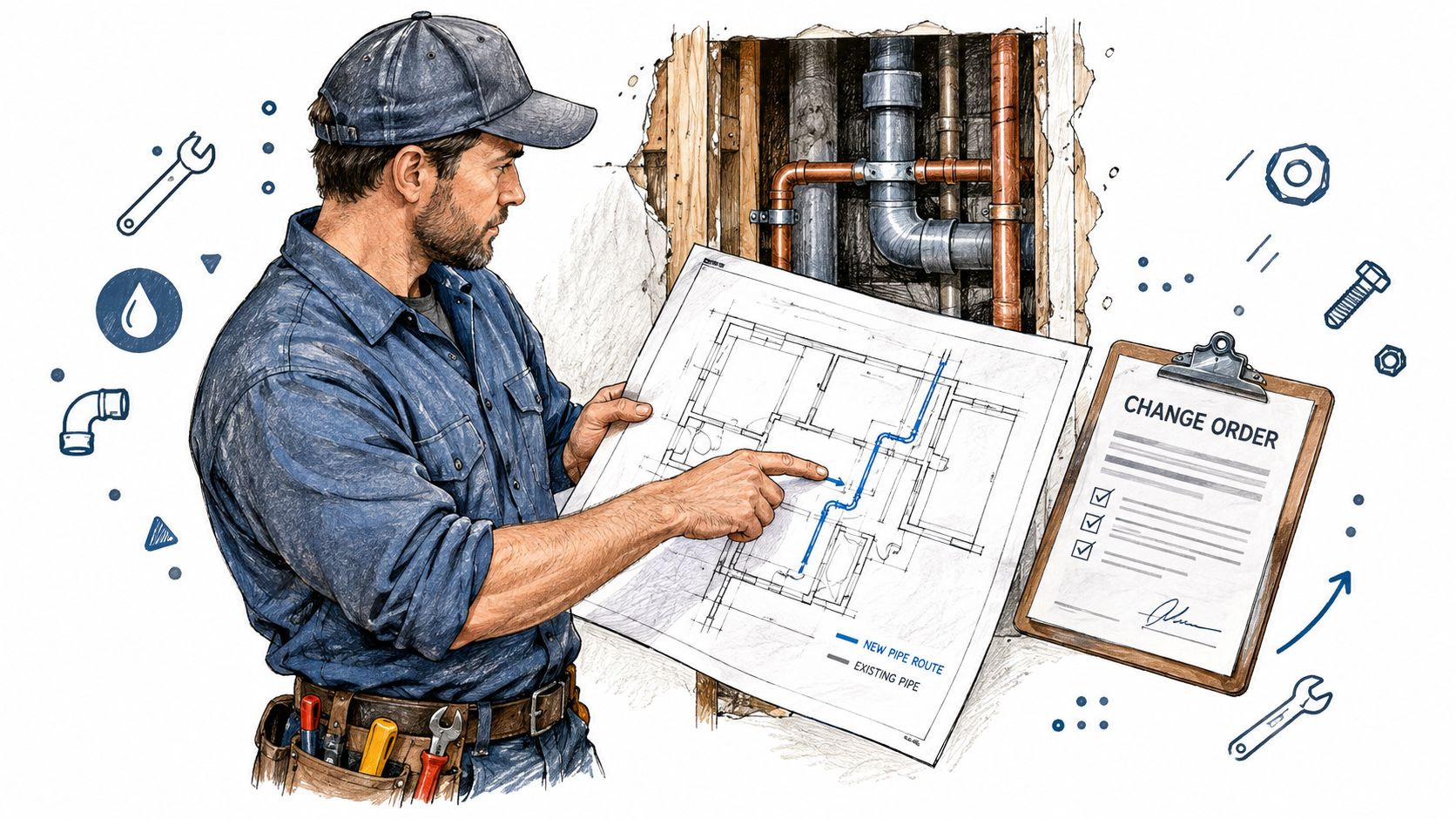
Write the change before the extra work starts
The change-order clause should name the revised work, the new price, the schedule effect, and the approval method. Text, email, browser approval, or a fresh signature can all work if your process says which one counts. What doesn't work is “we talked about it.”
Customer-supplied fixtures need their own line because they're a frequent source of tension. If the homeowner bought the wrong finish, the wrong size, or a part that doesn't match the rough-in, you don't want the contract pretending that's your fault. The same logic applies to concealed defects, pre-existing leaks, brittle shutoffs, and code surprises behind tile or drywall.
If the scope changed after opening, the approval has to change too.
I like the cleanest version of the clause to do three things at once, authorize extra work only after approval, preserve the right to adjust labor and materials, and say that hidden conditions aren't included in the original price unless written in. An amendment template for service agreements is a good reference point for how to keep that update process disciplined without turning every surprise into a new contract from scratch.
The other habit that pays off is documenting with photos and a quick note before the repair expands. That doesn't just protect you later, it makes the conversation easier on the spot because the customer can see why the price changed.
Payment Timing, Retainage, and the Numbers That Belong To You
Payment terms shouldn't read like legal wallpaper. They need to tell the customer exactly when money is due, what triggers the bill, and what happens if the invoice is disputed. The more specific the trigger, the less room there is for a customer to argue that the job wasn't “done enough” to start payment.
Put the billing trigger in writing
A strong template names the trigger, like completion of a phase, inspection approval, or delivery of a proper invoice. That matters because federally funded transportation work under 49 C.F.R. § 26.29 requires the prime contractor's agreement to pay a subcontractor no later than 30 days after receiving payment for satisfactorily completed work, and it also sets a retainage release deadline tied to incremental acceptance or receipt of retainage depending on the regulatory option. The lesson for a plumber is practical, not bureaucratic, identify the event that starts the clock and the event that ends retainage.
Retainage should never be treated as a universal percentage. Washington's private-construction statute, for example, allows no more than 5% of the contract price to be withheld for completed work, and it ties final-payment interest to the completion and acceptance timeline under RCW 60.30.010. That's exactly why your template needs fields for the maximum holdback, acceptance deadline, notice method, and what happens if payment is late.
Build the collection rules into the document
Payment should be operational, not vague. A payment setup that names the deposit at signing, the progress bill after rough-in or inspection, and the balance at completion is easier to enforce than a soft promise that “payment will be made promptly.”
The pressure on collection is real. A 2025 construction payment briefing reported that 81% of construction businesses encounter late payments during a project, 30% of invoices are paid more than 30 days late, 14% of projects face a payment dispute, and only 43% of subcontractors report always receiving full payment, according to a briefing on payment timing and retainage from FASA Cares. Those numbers are exactly why milestone invoices, signed completion records, and a short notice-and-cure period are worth the ink.
Adapting the Template Across States and Job Types
One form doesn't travel cleanly across every county line. A plumbing contract template that works in one place can become sloppy, or even unenforceable, in another if it ignores written-change rules, consumer notices, registration disclosures, or local payment language. The right move is not to chase a perfect universal form, it's to build a jurisdiction checklist into the workflow.
California, for example, requires covered home-improvement contracts and contract changes to be written and signed before work begins, under Business and Professions Code section 7159. Connecticut's consumer-protection guidance also expects a written home-improvement contract before work starts, along with the contractor's registration number, written changes, project dates, payment terms, and a customer cancellation notice. Those are not cosmetic details, they're the difference between a document that protects you and one that gives the customer an opening.
Run the same checklist every time
- Governing jurisdiction: Write down the state, and if you cross state lines, confirm which rules control the contract.
- License and permit duty: State who pulls permits and who's responsible for local registration disclosures.
- Cancellation and notice: Include any mandatory cancellation notice, especially on residential work.
- Change authority: Make sure written changes are required wherever local law demands it.
- Review trigger: Flag the jobs that need a lawyer or licensing authority before signature.
Cross-state work is where solo operators get burned. The same shower valve replacement can look routine in one town and require a different notice package a few miles away. When the contract starts with a jurisdiction check, the rest of the document is much easier to trust.
Storing, Auditing, and Exporting the Signed Contract
A signed agreement that can't be found later isn't much help. The value comes from the file trail around it, because that's what answers the next question from a customer, an insurer, or your own accountant when the job is long finished and the memory is fuzzy.
Store the signed contract with the deposit receipt, completion sign-off, change-order log, and payment record in the same client folder. That way you're not hunting through texts to prove what happened when a warranty call shows up six months later. Keep the timestamped activity history too, because it tells you when the document was viewed, signed, and paid.
For many solo operators, the cleanest routine is simple enough to do on a truck tailgate. Export the contract to PDF, keep a CSV of client and payment data, and record cash, check, and bank-transfer payments alongside online receipts so the paper trail stays whole. If you're using a mobile workflow, the point is to make the record exportable without rebuilding anything by hand.
If you need a local directory reference before sending someone to a job, find a plumber in Vaucluse and compare how the business listing complements the contract record. The contract says what was agreed, the record says what happened, and together they make a future dispute a lot easier to settle.
A one-page routine to keep by the tablet
- Before arrival, send the estimate and contract together.
- On site, sign the agreement while the customer is still in front of you.
- Collect the deposit immediately after approval.
- Log every change order before extra work starts.
- Archive the final invoice, payment, and sign-off with the job file.
The best paperwork system isn't the longest one. It's the one that gets signed on the customer's phone, survives the warranty period, and still makes sense when you open it again next season.