
You've got the project, the client says yes, and now the awkward part starts. You need money up front, but you also need the document to look like a real billing record, not a casual request scribbled into an email. That's where an invoice for deposit earns its keep, because it gives you a clean way to ask for payment before work begins without muddying the final balance later.
For solo operators, the pressure usually shows up in the same place. You've already spent time on the estimate, the client wants to move fast, and the invoice screen is open with a blank line item waiting for the right wording. If you've ever wondered whether to call it a deposit, a prepayment, or just an early invoice, the answer is in how you want the payment to behave in the rest of the job record.
What a Deposit Invoice Actually Is
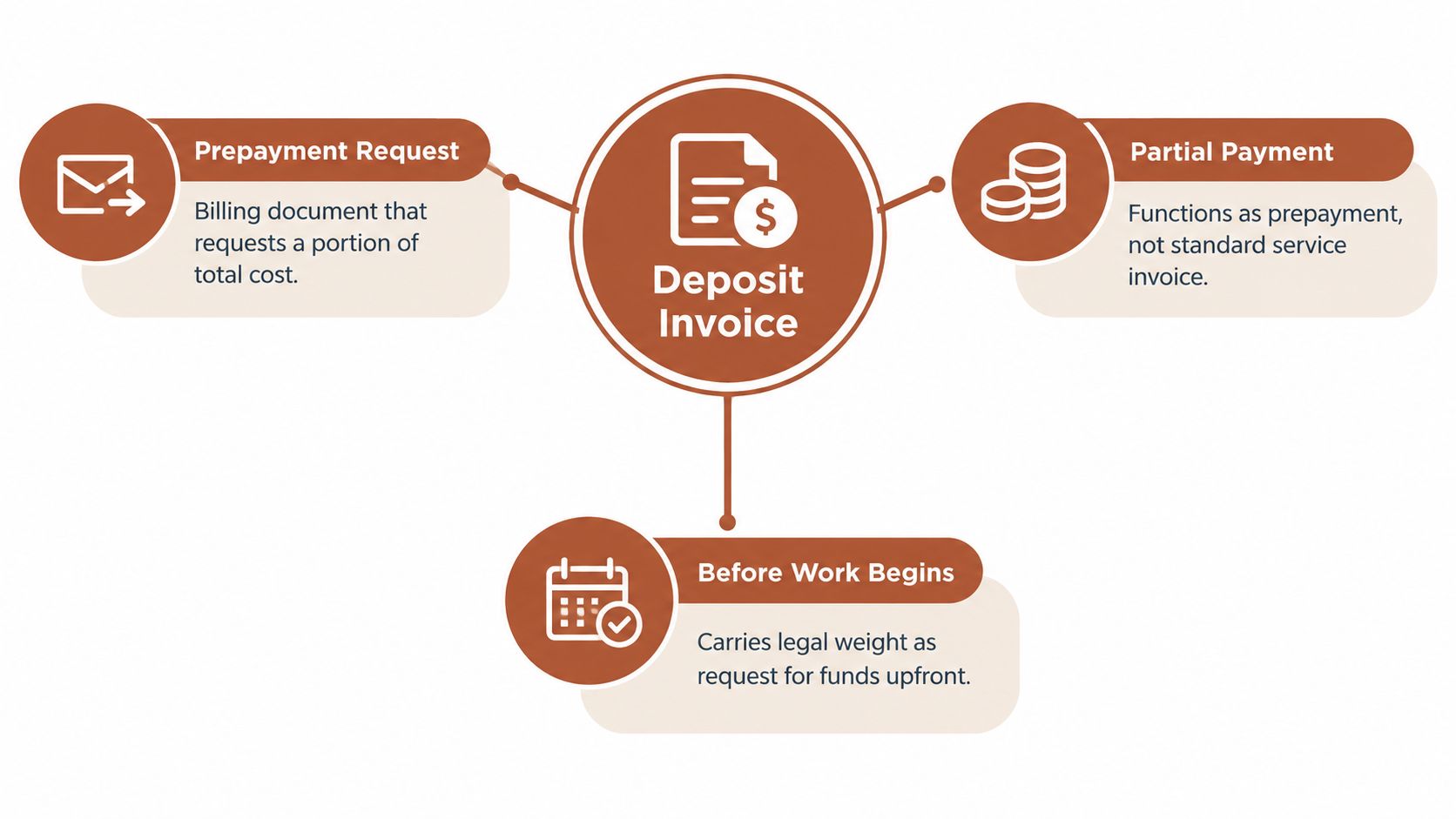
The first mistake people make is treating a deposit request like a side note. It isn't. A deposit invoice is a real invoice in your billing sequence, issued before the work is completed, with a specific amount requested against a future job.
I see this most clearly when a client has already accepted the project but hasn't seen a single deliverable yet. At that moment, the deposit invoice does three jobs at once. It asks for money, it creates a traceable record, and it sets up the balance that will still be owed later.
What belongs on the page
The document should say plainly that it's a deposit, not a full service charge. It should reference the total project fee, the amount requested now, and the remaining balance that will be due later.
That distinction matters because accounting systems treat deposits as their own tracked event. Sage 100 documents a dedicated deposit inquiry path where an invoice can include multiple deposits, and Oracle retail help materials describe deposit-history records with fields for created date, remaining amount, payment method, status, and release date. Those product designs show how deposits have become part of the financial record, not just a casual ask for money before work starts. Sage 100 Deposit Inquiry
Practical rule: If the document doesn't make it obvious how much is due now and what remains later, it will create confusion in both collections and reconciliation.
A deposit invoice is also not a receipt. A receipt proves payment after the fact. A deposit invoice requests payment before the fact, which is why it belongs in the same numbered sequence as your other invoices and sits beside the quote or approved proposal that created it.
The clearest way to think about it is this, it's an invoice tied to an unfinished obligation. That's why it carries legal and operational weight even when you're a one-person business working from a phone between jobs.
Building the Deposit Invoice
Start the deposit invoice the same way you'd start any other invoice. Put your business name, contact details, tax or registration information if you use them, the invoice number, and the invoice date at the top. Then make sure the client block uses the exact billing name and email they'll recognize.
Your body copy should do less, not more. One line should identify the project, state the total agreed fee, and explain that this document requests a deposit toward that fee. The next line should be the deposit itself, labeled clearly, such as Initial deposit or 50% project deposit, with the amount shown as either a percentage or a fixed number.
Deposit invoice fields that matter
| Field | Standard Invoice | Deposit Invoice |
|---|---|---|
| Purpose | Bills completed work | Requests upfront payment |
| Main line items | Services delivered | Deposit against an accepted job |
| Amount shown | Full amount due | Deposit amount due now |
| Balance reference | Often none until later | Remaining balance should be visible |
| Payment timing | After delivery | Before work begins or before materials are ordered |
If you want a model for the document flow, a good guide to invoice processing helps you see where deposit requests fit inside a broader payment workflow, not just a template. That's useful because a deposit invoice still needs to move cleanly through approval, payment, recording, and follow-up.
For service businesses that rely on templated documents, a set of invoice examples can help with layout choices. The structure used in painting invoice templates is especially helpful when you're adapting a normal service invoice into something that asks for a prepayment.
Below the totals, include the due date, accepted payment methods, and the balance remaining. If the deposit is due before work begins, say so. If it's due in seven days, say that too. The client shouldn't have to guess whether the payment is optional, and your own records shouldn't leave room for interpretation.
A deposit invoice works best when it reads like a completed accounting event with one missing piece, not like an estimate trying to become an invoice.
Sending It and Getting Paid Upfront
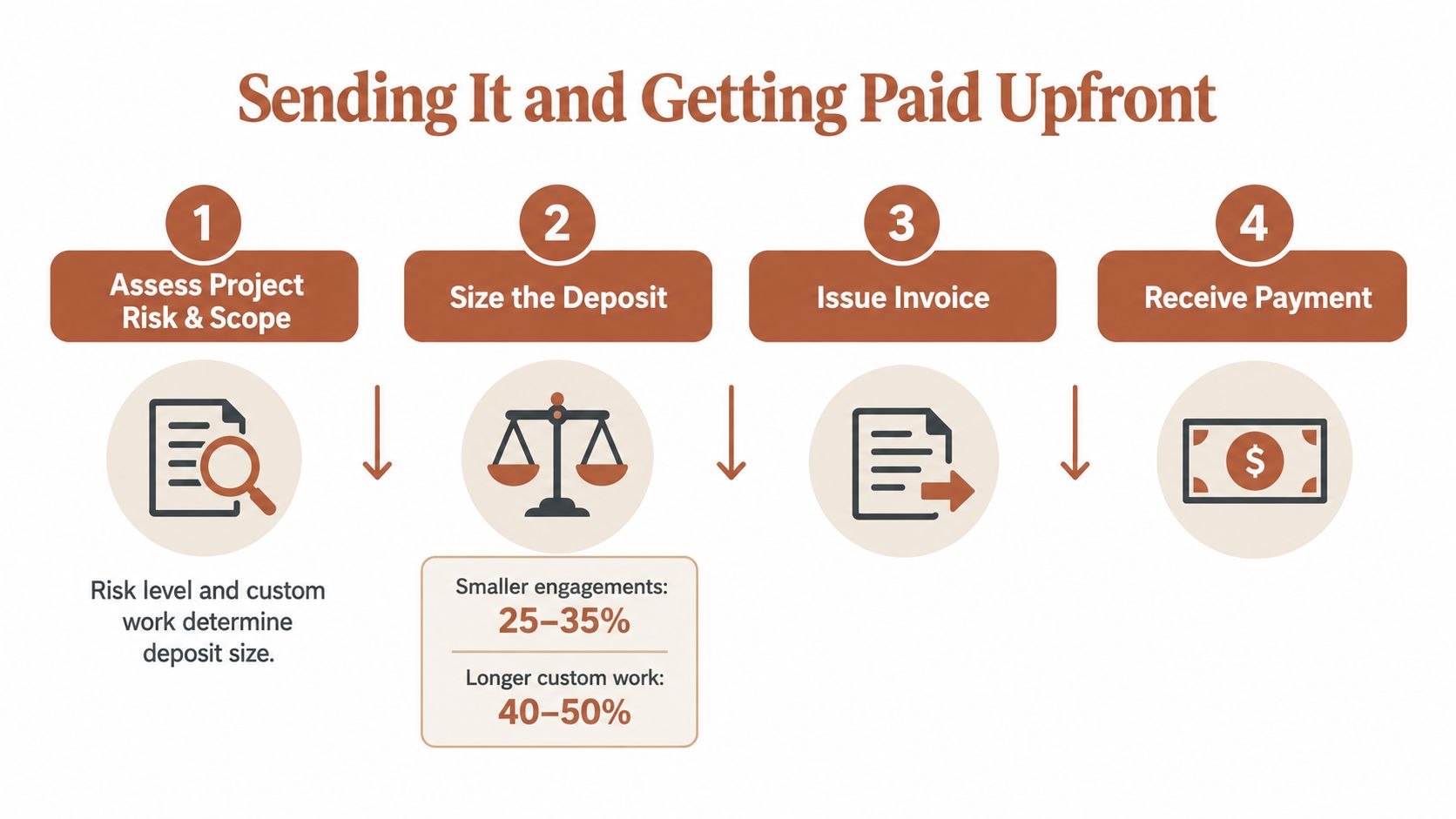
The size of the deposit should match the risk in the job, the amount of custom work before the next invoice, and whether you need to buy materials or reserve labor. For smaller engagements, a lighter deposit may be enough. For longer custom work or jobs that require commitment from you before the next milestone, a larger upfront amount makes more sense.
The key is not to send the invoice in isolation. Send it in the same message where you confirm the project, restate the total fee, name the deposit amount, and explain what the deposit covers. If the job won't start until payment clears, say that directly.
A clean send sequence
- Confirm the engagement in writing. Use the same message to restate scope, total fee, and deposit amount.
- Attach the invoice as a PDF. Keep the record readable and printable.
- Place the payment link in the email body. Don't make the client hunt for a way to pay.
- Wait for cleared funds before starting. Verify the payment, then begin the job.
The practical side matters here. A payment flow that supports partial payments and status updates saves you from guessing whether the money really landed. AurenWell's online payments workflow fits that pattern because it lets a solo operator keep the deposit, invoice, and payment record in one place without juggling separate tools.
For business types that live on fast turnaround and upfront cash, software choice can shape the whole experience. If you work in cleaning, the JobsiteStack top cleaning software picks roundup is a practical way to compare tools that handle scheduling and payments alongside invoicing.
The moment the payment clears, note the date against the invoice record and confirm receipt in writing. Then start the work. If the client wants a different deposit amount, treat that as a project-term negotiation, not a quick edit to the invoice after you've already agreed on the scope.
Recording Deposits Against the Final Invoice
Once the deposit hits your bank, the work shifts from collecting money to keeping the record honest. The deposit should live as a credit on the client account, not as a separate payment you forget about when the final invoice goes out.
That matters because the final invoice should show the remaining balance only. If you bill the full amount again and hope to “remember” the deposit mentally, you're setting yourself up for duplicate charges, confused clients, and a mess at tax time.
What to capture when the money lands
- Payment reference or transaction ID. Save the exact identifier from the payment processor or bank transfer.
- Invoice status. Mark the deposit invoice as partially paid or paid, depending on how your system handles it.
- Link to the original estimate or contract. Keep the payment tied to the project that generated it.
- Remaining balance. Show the client what's still owed in plain language.
- Cleared date. Record when the money was available, not just when it was sent.
Modern platforms reinforce this kind of tracking. BigTime's deposit history view includes deposit amount, associated fees, batch date, and the number of payments in the batch, while U.S. Bank notes that online banking commonly provides up to 18 months of transaction history. Those are signs that deposit tracking is meant to be auditable over time, not guessed at from memory. BigTime deposit history
If you're a solo operator without double-entry accounting, the simplest system is usually the safest one. Keep one client record, one invoice sequence, and one place where the original quote, the deposit, and the final balance all point back to the same job. That's what keeps reconciliation from turning into detective work.
Practical rule: If you can't trace the deposit from client approval to bank clearance to final balance in under a minute, the record needs tightening.
Common Mistakes When Asking for a Deposit
Most deposit problems start before the invoice is even sent. The document looks harmless, but one bad choice in the wording or structure can weaken the entire process.
The biggest mistake is calling the request a receipt. A receipt says payment already happened, which makes the document work against you if the client backs out or disputes the charge. Another common error is invoicing the full project total and pretending the deposit is just an early payment, which blurs the balance and makes the final billing harder to defend.
Mistakes that create real friction
| Common Mistake | What It Breaks |
|---|---|
| Calling the request a receipt | Makes the payment look already settled |
| Using a vague deposit line | Clients can't tell what the payment covers |
| Leaving out the due date | The request feels optional |
| Billing the full amount upfront | The balance becomes harder to track later |
| Not referencing the original quote | The payment loses its link to the agreed scope |
There's also a legal and accounting distinction people skip too quickly. A deposit invoice can function as an upfront request for payment, but the treatment changes depending on whether it's refundable, forfeitable, or tied to a milestone. Stripe's deposit-invoice guidance points out that this gap is often where accounting and legal consequences get overlooked, especially when the deposit later turns into consideration or is lost under contract terms. Stripe deposit invoices 101
If you're unsure how large the request should be, a contractor-specific discussion can help you think about positioning, not just amount. The article on how much deposit should contractors ask for is a useful companion when you're deciding whether the number supports trust or creates resistance.
A strong deposit workflow isn't about being aggressive. It's about making the payment expectation explicit enough that the client understands the commitment and you can reconcile the job later.
Putting the Deposit Workflow on Repeat
The true value of an invoice for deposit shows up when the same process works on the second job, the fifth job, and the one you're rushing to send on a Friday afternoon. The sequence should stay simple. Estimate goes out, contract gets signed, deposit invoice is issued, payment clears, work begins, and the final invoice closes the loop with the deposit credited.
That rhythm matters more than the template itself. A clean process keeps overdue reminders, follow-ups, and year-end totals tied to the same client record instead of scattered across email threads and spreadsheets.
The repeatable cadence
- Estimate goes out. Send the cost breakdown first so the deposit has context.
- Contract is signed. Secure agreement before the payment request becomes active.
- Deposit is collected. Record the payment against the job, not in a separate bucket.
- Work begins. Start only after the money has cleared and the record is updated.
A solo operator doesn't need a giant accounting stack to do this well. What you do need is one place where invoices, signatures, and payment history stay attached to the same client. That makes each deposit invoice easier to follow, each reminder easier to send, and each final balance easier to close.
When the workflow is consistent, the money side of the job stops feeling improvised. You get a steadier cash position, fewer awkward payment conversations, and a deposit process that still works when your week gets busy.
If you're ready to tighten up your own deposit process, open your next invoice and make it specific. Name the project, state the upfront amount, include the due date, and record the payment only after it clears. Then build the same sequence into every new job so your estimates, deposits, and final invoices all stay linked from start to finish.