
A roofing job is finished, the crew has cleared the site, and the customer is waiting for the final bill. You need to show the work completed, materials installed, labor, deposit already paid, taxes or adjustments, and the exact payment terms without rebuilding the document from scratch. A vague invoice can create questions at the moment you need cash flow most.
That pressure is common for small operators. The 2025 Intuit QuickBooks Small Business Late Payments Report found that 56% of surveyed U.S. small businesses were owed money from unpaid invoices, with affected businesses owed about $17,500 on average. A later follow-up reported 59% had invoices overdue by 30 or more days, with an average of $17.7K tied up. A clear free roofing invoice template won't guarantee payment, but it can reduce missing details, make the scope easier to verify, and give the customer fewer reasons to delay.
This list compares 10 free roofing invoice resources by roofing workflow fit, file format, insurance documentation, customization effort, and what happens after you send the invoice. It also covers the line items that matter, how to handle deposits and progress billing, how to send and track a PDF, and when a template becomes less useful than software. Before billing, make sure the invoice matches the approved scope and any estimate auditing for roofing contractors process you use.
1. Jobber Free Roofing Invoice Template
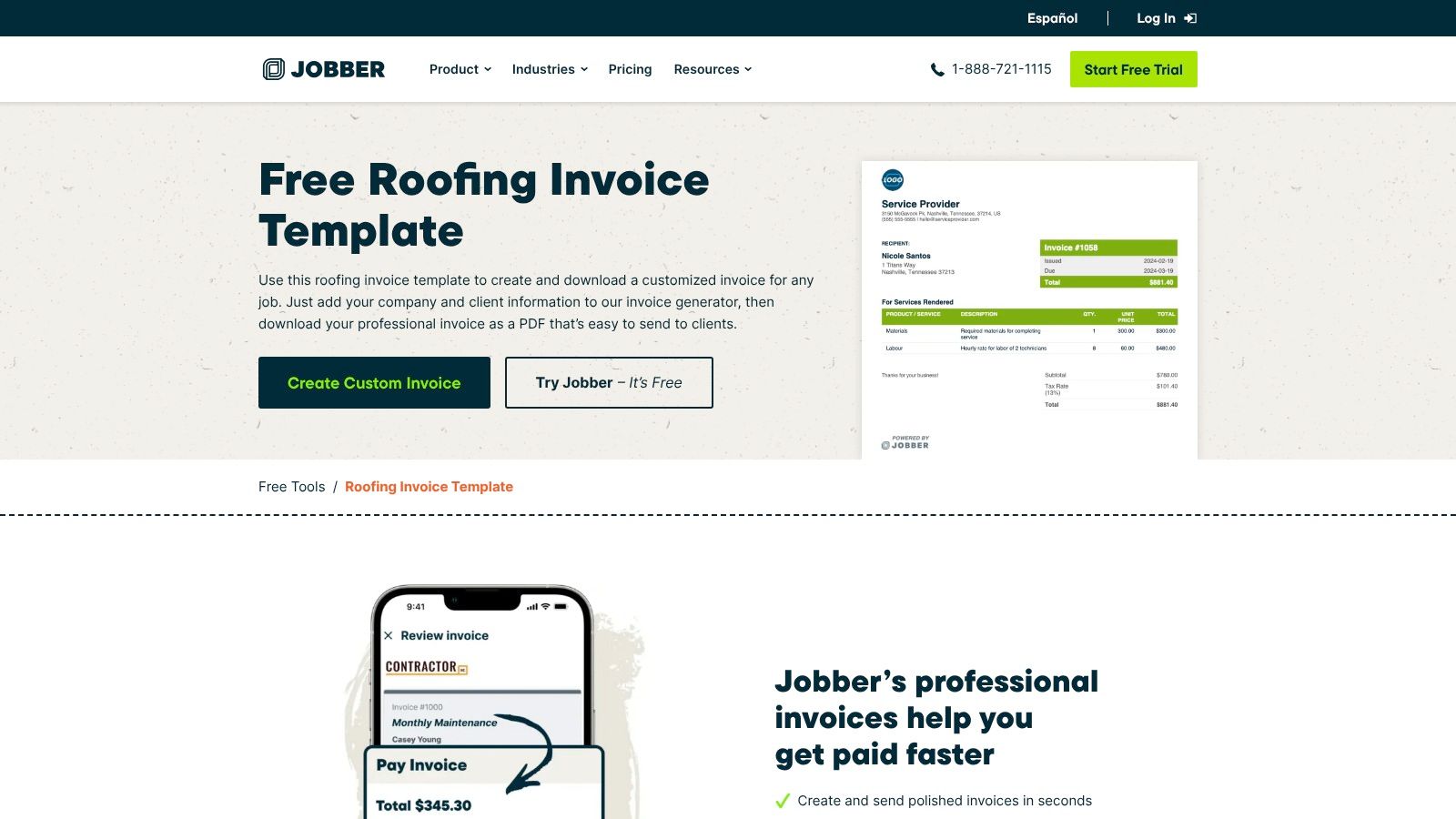
Jobber's roofing invoice template is a strong starting point when you need a professional document quickly and don't want to design one. Its browser-based generator lets you add your logo, enter line items, and apply tax details before downloading a finished PDF. If you'd rather work locally, the page also provides blank Word, Excel, and PDF versions.
That combination suits a roofer who has just completed a repair and wants to invoice from a phone or laptop. The roofing guidance helps you think through the information customers expect, while the generator handles the basic presentation. You can produce a usable document without adjusting margins, building totals, or formatting a blank page.
Practical rule: Use the generator for speed, but inspect the finished PDF before sending it. Check that the job address, service dates, deposit, balance, and payment terms are visible.
Where Jobber fits and where it doesn't
The main trade-off is control after creation. Branding and layout options are limited compared with a design-focused document editor, and the experience naturally points users toward Jobber's broader paid platform. The free file is useful for one-off billing, but it won't by itself create a client history, send reminders, or reconcile payments.
That makes Jobber a good fit for a contractor who wants polished output now and may later consider field-service software. If you're comparing that broader platform with alternatives, review Jobber alternatives for contractors before committing to a workflow. For a few invoices a month, download the PDF and keep your own invoice register. For frequent jobs, the administrative gap becomes more noticeable.
2. eForms Roofing Invoice Template
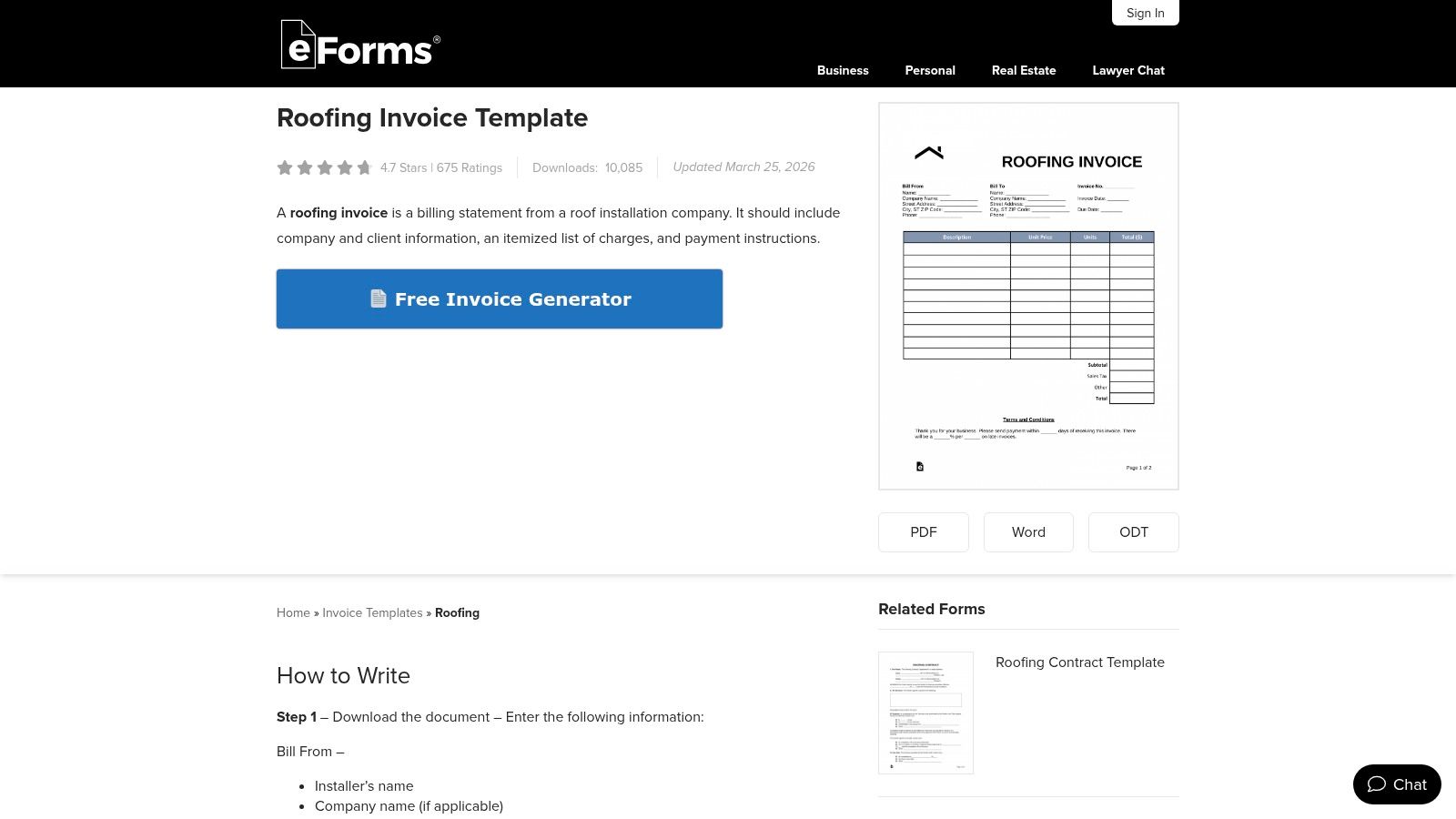
eForms' roofing invoice template takes a form-first approach. It provides dedicated PDF, Word, and ODT files, along with an online generator and instructions explaining how to complete the bill-to, bill-from, date, identifier, and payment-term fields. That guidance matters if you're creating your first formal roofing invoice and aren't sure which details belong in the document.
The downloadable formats make this resource particularly practical for field work. A PDF can be printed or filled digitally, while Word and ODT allow basic local editing without requiring a specialized roofing application. You can save a master copy, duplicate it for each customer, and keep the original unchanged.
The advantage is clarity, not automation
eForms works best when your priority is a dependable document structure. It's less useful once you need payment links, automatic reminders, or a searchable history of sent and paid invoices. You'll need to maintain those records separately, perhaps in a spreadsheet, accounting tool, or client folder.
Customization is also fairly modest. You can add business details and change wording, but you won't get the same control as a custom-designed form. That's a reasonable trade if customers mainly need a readable bill with a clear scope and balance.
Use the eForms version when you want a print-ready document and straightforward instructions. For an insurance-related repair, add the claim identifier, property address, approved scope, supplements, deductible treatment, and attachments outside the generic fields if the form doesn't provide enough room.
3. ServiceTitan Free Roofing Invoice Template
ServiceTitan's roofing invoice template is backed by a major home-services software provider and paired with educational material about roofing invoices. The downloadable document is plain, but the surrounding guidance can help a contractor identify missing information before billing.
That context is more valuable than decoration. Roofing invoices need to explain whether the charge covers a repair, replacement, tear-off, disposal, materials, labor, permits, or an approved change. A clean document that separates those charges is easier for a homeowner, property manager, or office administrator to review.
A useful teaching resource for growing crews
ServiceTitan's limitation is that the page also promotes its larger platform. That isn't a problem if you're evaluating software, but it can feel like more than you need when you only want a blank invoice. The template itself won't calculate complex quantities, manage customer communication, or show whether a payment has cleared.
For a solo roofer, the most practical use is to download the form, adapt the line-item language, and save a version for repairs and another for replacements. A small crew could also use the educational content as a standard for what technicians should record before the office creates the final bill.
Keep the invoice tied to the original estimate and signed change orders. If the completed work differs from the proposal, explain the difference on the invoice instead of burying it in a general “additional labor” line.
4. Joist Free Roofing Invoice Templates
Joist's roofing invoice templates offer several useful starting points, including repair, sample, and blank versions. Files are available in Word and Excel, so you can choose a document for narrative-heavy work or a spreadsheet for more calculation-oriented billing.
That choice is helpful in roofing because a repair invoice often needs a concise description, while a replacement invoice may contain many material and labor rows. Excel gives you a better base for adding quantities and formulas. Word is easier when the invoice depends on explanations, exclusions, warranty notes, or a change-order summary.
Choose the file around the job, not the logo
Joist also offers an optional free-tier invoice workflow, but the downloadable templates remain the simplest route for contractors who don't want to adopt another platform. The page doesn't provide Google Docs or Google Sheets versions, which may inconvenience teams that work primarily in shared browser files.
The designs are functional rather than heavily branded. You'll probably need to add your own logo, license details, payment instructions, and preferred language. You should also test the Excel formulas yourself, because a template isn't a substitute for checking quantities, tax treatment, discounts, and the deposit already collected.
Joist is a sensible choice when you want multiple roofing variations and familiar editing tools. It's less suitable if you need built-in client history or follow-up automation after sending the invoice.
5. Wave Roofing Invoice Templates
Wave's roofing invoice template library covers Word, Excel, PDF, Google Docs, and Google Sheets. That broad format selection is the main reason to consider it. You can keep a local file, collaborate in Google Drive, or export a finished document for offline use.
The basic structure separates materials and labor, which gives a roofing customer a clearer explanation than one combined project charge. You can adapt the rows for shingles, underlayment, flashing, vents, tear-off, disposal, cleanup, and labor. The template is intentionally minimal, so the result depends on how carefully you label each item.
Good format coverage, limited built-in calculation
Wave's templates come from a recognizable small-business finance brand, but the downloadable files don't automatically calculate every roofing-specific quantity. If you're using Sheets or Excel, add formulas carefully and protect the master copy. If you're using Word or PDF, calculate totals before exporting and verify them against the estimate.
This is also where a template may need to connect to a wider workflow. If you want to compare static documents with invoicing workflow features for service businesses, look at whether the system can record sends, payments, reminders, and client history rather than only produce a file.
Wave is a strong format-first option for contractors who already use Google tools. It's not the best fit when you want payment collection and status tracking to happen automatically from the same invoice.
6. Work Order Lab Roofing Invoice Template
Work Order Lab's roofing invoice template stands out because its examples use roofing language rather than generic contractor placeholders. The sample structure includes items such as tear-off, underlayment, and shingles measured by square. Those examples reduce the time spent deciding how to describe work.
A first-time template user benefits from seeing a complete pattern. Instead of writing “roofing services” as one vague line, you can separate removal, disposal, installation, materials, and labor. That distinction helps the customer understand the invoice and gives you a better record if questions arise later.
Examples can prevent under-documentation
The resource provides PDF, Word, and Excel versions, plus a browser generator and field-by-field instructions. The generator is convenient for a quick bill, while Excel may suit a replacement with many quantities. Word works better when you need explanatory notes or warranty language.
The design is utilitarian, and branding control is limited. That isn't necessarily a weakness for a contractor who values speed, but you'll need to add your own company information and review the spacing if the description becomes long.
Work Order Lab is a practical pick when you want roofing-specific examples without building your own line-item library. Before sending, compare every row with the signed estimate, material order, and any dated change order. The template helps you document the work, but it can't decide whether a change was authorized.
7. Trade Invoice Tools Free Roofing Invoice and Estimate
Trade Invoice Tools' roofing invoice and estimate templates separate the document used to win the job from the one used to collect payment. That distinction matters when an estimate total is mistakenly sent as a final bill after the work is complete.
The roofing fields cover squares, layers, decking, and flashing. Notes for storm claims and mortgage loss-draft situations also make the templates suitable for insurance-driven work. For a broader estimate-to-invoice workflow, see this estimate and invoice template guide.
A completed invoice should make the approved scope, completed work, customer responsibility, and remaining balance easy to reconcile.
Best for claim-sensitive documentation
Word, Excel, CSV, and browser-based versions support different workflows. CSV helps move structured data into another system, but it will not preserve the finished invoice's visual layout. Word allows more explanation and branding, while Excel is easier for quantities and calculations. The plain styling may still require company branding, and tax or unusual surcharge handling is limited.
Start with the estimate, then carry its approved scope into the invoice. For supplements, show the original approved amount separately from additional requested or approved work. Do not present an unapproved supplement as a final charge, because that wording can create disputes with the homeowner or insurer.
After sending, track the invoice number, due date, supplement status, and payment in a separate register. Manual files work for smaller job volumes, but a dedicated invoicing system becomes easier to control once follow-ups and outstanding balances are spread across multiple projects.
This option fits roofers who need estimating and billing documents, especially when claim documentation matters more than visual polish.
8. InvoiceGenerator.com Roofing Invoice Template
InvoiceGenerator.com's roofing template is built for speed. You can download a roofing PDF directly, use the online generator, and export the result in formats including PDF, Word, and Excel. That makes it useful when you've finished an emergency repair and need to bill before the day gets away from you.
The low setup requirement is the main advantage. You don't need to choose a design system or construct a spreadsheet. Enter the business and customer details, describe the work, list materials and labor, check the total, and create the document.
The limitation starts after sending
This resource doesn't provide client history or reminder features. Once the invoice leaves your screen, you'll need your own method for recording when it was sent, when it's due, and whether the customer paid. A folder full of PDFs can become difficult to manage surprisingly quickly, especially when the same customer has multiple repairs.
For one-off jobs, that limitation may not matter. For recurring property managers or a growing residential pipeline, name files consistently and keep a separate register with the invoice number, property address, send date, terms, deposit, balance, and payment status.
InvoiceGenerator.com works when urgency beats customization. It's a quick document producer, not a complete roofing billing system.
9. Smartsheet Free Microsoft Word Construction Invoice Templates
Smartsheet's Microsoft Word construction invoice templates include a roofing-specific version within a broader construction collection. The Word format is familiar, editable offline, and suitable for contractors who want a clean document they can print or email without relying on a browser generator.
The predefined sections provide a useful visual hierarchy for business information, customer details, line items, totals, and notes. You can adjust the wording for a repair, replacement, progress bill, or final invoice. Word is also convenient for adding a short explanation about the work completed or an attachment reference.
A clean Word file needs manual discipline
The page provides Word rather than a live Excel or Sheets calculator. That means totals aren't automatically protected by spreadsheet logic. Calculate the invoice independently, then enter the result and verify that the deposit, tax, discount, and balance due reconcile with the approved estimate.
Smartsheet is a good choice when presentation and offline editing matter more than automation. It's less useful if you want to generate invoices from job data or see payment status without maintaining another record.
Add your invoice number and job identifier before sending. Include the property address even if the billing address is different, and make the service date obvious. These small additions make a Word document much easier to match with photos, permits, estimates, and signed changes.
10. RoofingInvoice.com Free Roofing Invoice Generator
RoofingInvoice.com is the most narrowly aligned option in this list. Its generator is built around roofing inputs such as squares, layers, flashing, materials, labor, and insurance documentation. You can produce a PDF and also download editable Word and Excel versions.
That focus makes it particularly useful for storm-related work. A generic invoice may let you type a claim number into a notes box, but a roofing-specific generator encourages you to capture the measurements and components that explain the repair. You can also separate material and labor charges instead of presenting an unexplained total.
Strong insurance fit, limited back-office control
The trade-off is narrow scope. Styling options are limited, and the generator doesn't provide client management, payment reminders, or a continuing record of communication. You'll still need to preserve the estimate, claim documents, photos, approvals, signed change orders, and payment record with the invoice.
For an insurance job, show the property address, policyholder information, claim identifier, approved scope, completed scope, deductible treatment, and any supplement status. Keep unapproved work clearly identified rather than blending it into the amount due.
RoofingInvoice.com is a good fit when field terminology and claim documentation are more important than broad software features. It's also a useful template source for building your own master invoice if you want to combine roofing-specific fields with a separate tracking system.
Top 10 Free Roofing Invoice Templates, Comparison
| Tool | Core features ✨ | UX / Quality ★ | Price & Value 💰 | Target audience 👥 | Unique selling point 🏆 |
|---|---|---|---|---|---|
| Jobber, Free Roofing Invoice Template | In‑browser generator + PDF/Word/Excel, logo upload, roofing fields | ★★★★ | 💰 Free (promotes Jobber paid product) | 👥 Roofers wanting fast polished PDFs | 🏆 Brand-backed, no-design quick output |
| eForms, Roofing Invoice Template | PDF/Word/ODT files + online generator, step‑by‑step guidance | ★★★★ | 💰 Free / print-ready | 👥 DIY contractors & small trades | ✨ Clear legal-style walkthroughs |
| ServiceTitan, Free Roofing Invoice Template | Downloadable template + educational content & checklists | ★★★ | 💰 Free (upsells ServiceTitan) | 👥 Contractors seeking best-practice guidance | ✨ Strong educational resources |
| Joist, Free Roofing Invoice Templates | Multiple Word/Excel variations; optional Joist free-tier generator | ★★★★ | 💰 Free (optional app features) | 👥 Roofers who edit in Word/Excel | ✨ Multiple template types (repair/sample/blank) |
| Wave, Roofing Invoice Templates | Templates in Word/Excel/PDF + Google Docs/Sheets; materials/labor layout | ★★★ | 💰 Free | 👥 Small businesses using Google Drive | 🏆 Broad file coverage incl. Google formats |
| Work Order Lab, Roofing Invoice Template | Roofing-specific line items, examples, PDF/Word/Excel & browser generator | ★★★ | 💰 Free | 👥 Technicians wanting example line items | ✨ Field-by-field roofing examples |
| Trade Invoice Tools, Free Roofing Invoice & Estimate | Paired invoice + estimate, Word/Excel/CSV, storm-claim notes | ★★★ | 💰 Free | 👥 Roofers handling estimates & claims | ✨ CSV export + estimate/invoice pairing |
| InvoiceGenerator.com, Roofing Invoice Template | Direct PDF download + online generator; exports to multiple formats | ★★★★ | 💰 Free | 👥 One-off/emergency jobs needing instant invoice | 🏆 Extremely fast, minimal setup |
| Smartsheet, Construction (Roofing) Templates | Microsoft Word construction/roofing templates, print-ready layouts | ★★★ | 💰 Free | 👥 Office-oriented users preferring Word | ✨ Clean productivity-brand layouts |
| RoofingInvoice.com, Free Roofing Invoice Generator | Roofing inputs (squares/layers), insurance fields, PDF/Word/Excel export | ★★★★ | 💰 Free | 👥 Roofers working insurance/storm claims | 🏆 Insurance‑ready, job-specific fields |
Turn a Free Template Into a Reliable Billing System
The best free roofing invoice template is the one that matches how you work. Choose Word when you need narrative flexibility, Excel or Sheets when quantities and totals need calculation, PDF when you're sending a locked final document, and a browser generator when speed matters more than deep customization. Don't keep editing the original file. Save a clean master, make a copy for each job, and use a consistent naming convention.
Your customized master should include your business name, address, contact information, license and insurance details where appropriate, customer and property information, invoice number, job identifier, service dates, and payment terms. Add roofing measurements, materials, labor, tear-off and disposal, permits, cleanup, taxes, approved adjustments, deposit treatment, warranty notes, and the final balance. Government-style billing guidance reflects the same basic principle, invoices need a vendor name, invoice date, authorization or contract reference, invoice identifier, and a clear description with quantity and price of goods or services, as outlined in this federal-style invoice guidance.
Payment terms deserve deliberate treatment. A deposit before scheduling, a materials payment before delivery, progress billing, or a final balance at completion each shifts cash-flow risk differently. State the amount or calculation, due date, accepted methods, and what happens if an approved change increases the balance. Don't leave the terms as an empty field. The roofing invoice template guidance from eForms highlights common structures such as due on receipt and staged collections, but your wording should also match your contract and local requirements.
Send a consistent PDF rather than an editable working file. Use a subject line that identifies the invoice number and property, write a short message explaining the balance and due date, and attach supporting documents when the job requires them. Record the send date, follow up against the stated terms, and update payment status in the same client record where you keep the estimate, contract, change orders, and receipts.
A static template stops being efficient when you're copying customer details repeatedly, losing track of overdue balances, sending manual reminders, or reconciling payments across separate files. In that situation, AurenWell offers invoices, estimates, contracts, online payments, reminders, activity logs, client history, time tracking, expense capture, and PDF or CSV portability in a browser-based workflow. Its estimates can convert to invoices, and its payment tools can support card, ACH, and manually recorded cash or check transactions, with applicable processing and platform fees documented by the provider.
You don't need to replace a working template just because software exists. Start by standardizing the document and tracking process. When the administrative work begins taking attention away from inspections, crews, customers, or UK contractor accounting software reviews, test a focused system against your actual workflow, especially estimates, deposits, reminders, payment status, and client records.
Download the template that fits your next job, save a protected master copy, and customize it before the crew leaves the site. Then send the final PDF with a clear due date, record the invoice in your client register, and schedule the first follow-up now instead of waiting for the balance to become overdue.